Cline Desktop
Cline Desktop is the Cline coding agent as a native app — no editor attached. Point it at a workspace, choose a provider and model, and run agent sessions outside your IDE.
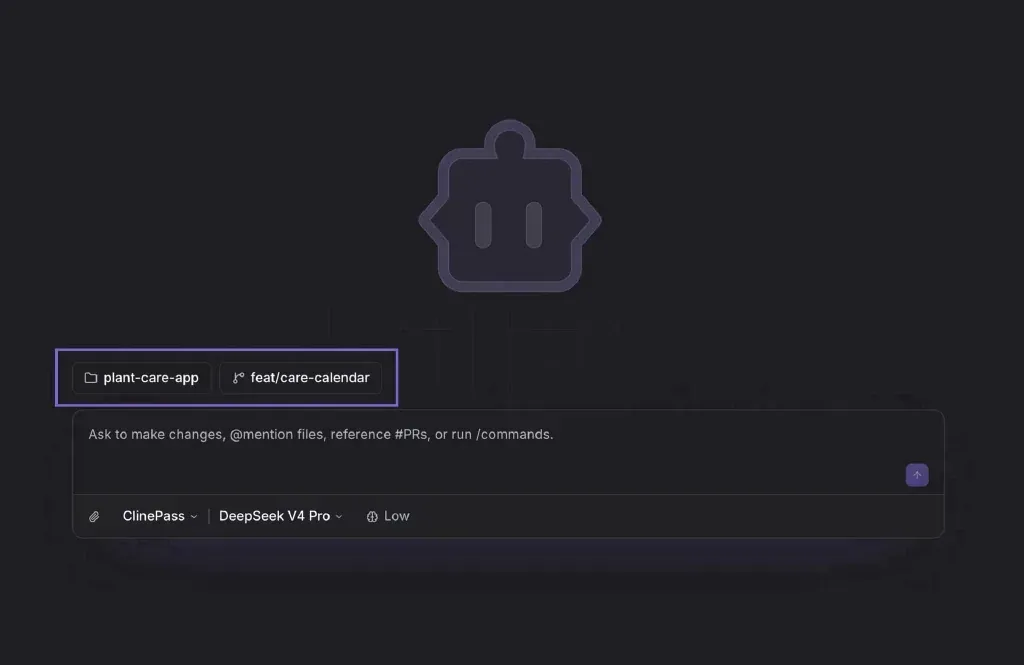
It’s open source (like the extension and CLI) and built around open-weight models: 300+ models through the Cline provider, open weights via ClinePass, your own API keys across 50+ providers, or a local model via Ollama or LM Studio.
What’s in it
- Parallel sessions — one agent implements a feature while another researches an API or reviews documents. Sessions are shared across the CLI, extension, and app, so you can start something in one and continue in another.
- Schedule — cron-style recurring tasks: morning PR review, nightly repo check, weekly docs update.
- Import from other agents — pull a conversation over from Claude Code or Codex and keep going with an open-weight model (handy once a subscription quota is used up).
- Marketplace — skills, MCP servers, and plugins, installed in-app. Web search and voice input are built in.
- Remote over SSH — the app stays on your laptop while the agent runs on a dev box or homelab machine.
Fresh out
- Connectors (beta, Oct 2) — Gmail, Slack, Google Calendar, Linear, Sentry, Notion and more in one click, so the agent can pull context from them and act on your behalf.
- Linux support (Sep 30) —
.deband.rpmfor x86_64 and arm64 with auto-updates. - SSH remotes (Sep 25).
It’s still v0.0.x and clearly labeled beta, so expect rough edges — but it’s a solid look at where the “agent as an app” idea is heading.
- Download: cline.bot/desktop
- Docs: docs.cline.bot/usage/cline-desktop